Releasing a Gradebook Column to a Student
- Go to the Teach tab. Open up the Gradebook.
- Scroll to the gradebook column you want to release.
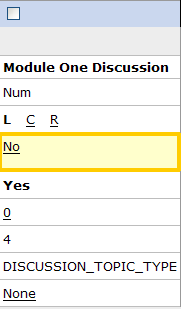
- Notice that the 'Release to Student' attribute is set to No.
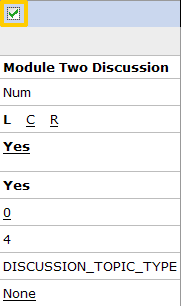
- Select the checkbox above the column you want to release.
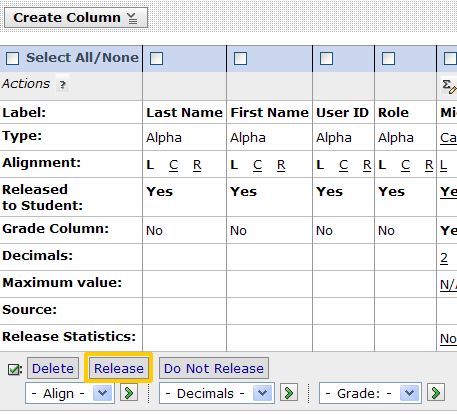
- Scroll back to the far lefthand edge of the gradebook and click the Release button.
- Scroll back to the selected column and make sure the Released to Student attribute is set to 'Yes'