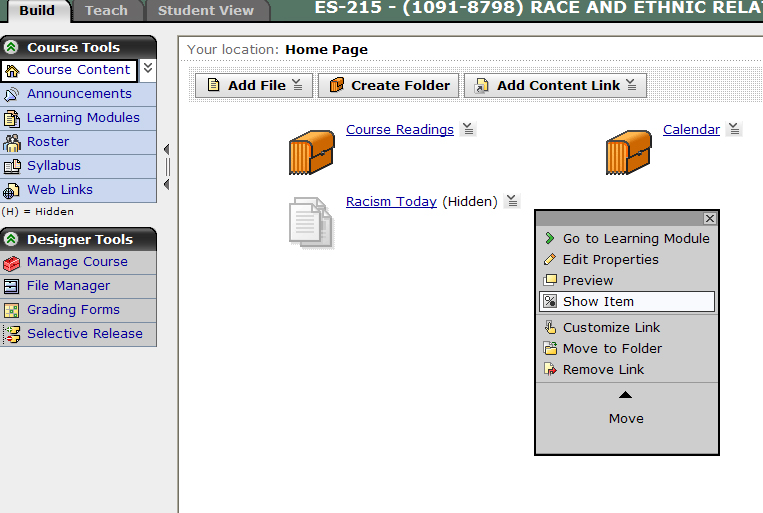
How to Show or Hide a Learning Module
Log into vista.nau.edu.
Select the Build tab.
Select the little gray action link next to the item you would like to preview.
Select
Show or Hide.