Sharing files using the repository
Downloading the ZIP file to your desktop
- Log on to vista.nau.edu
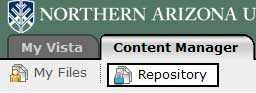
- Select the Content Manager tab.
- Choose the Repository button.
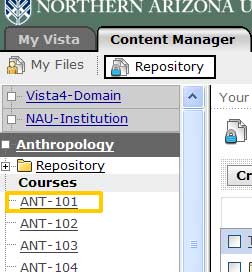
- In the list of courses, select ANT 101.
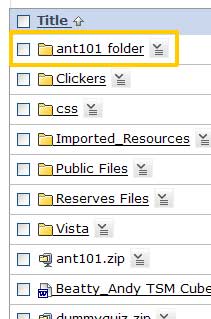
- Select the Action Link located next to the ant101.zip file
- Choose Download.
- Save the file to your desktop.
Upload the file to the new course shell
- Give the ZIP file to the instructor who will be using them (email or copy to their computer).
- Instructor logs in to vista.nau.edu
- Select the ANT 101 section where the files will be copied.
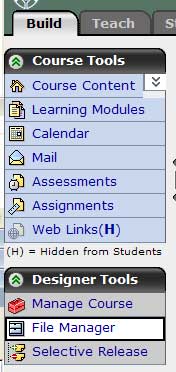
- Go to the Build Tab.
- Select File Manager.
- From the top of the File Manager window, select Get Files.
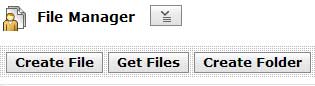
- Select My Computer.
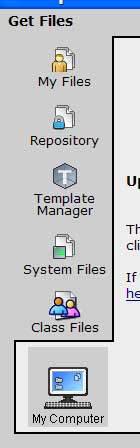
- Browse to find the ZIP on the instructor's computer.
- Select filename ANT101.zip.
- Choose Open.
- The My Computer applet copies the file to the instructor's section.
- Select the Action Link next to ANT101.zip.
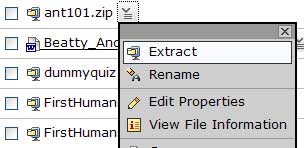
- Choose Extract.
- The files are extracted into the new shell.
- Refresh the screen.
- The ant101_folder appears and all the files are available for the instructor to link to when creating their own learning modules.